

The shift to connected spas
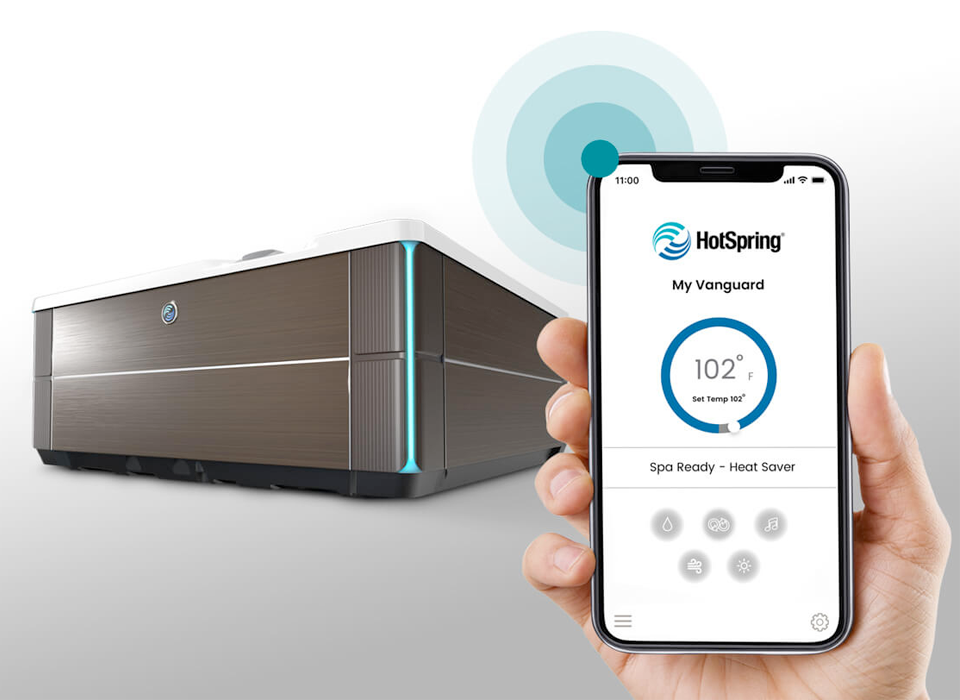
Hot tubs aren't just tubs of hot water anymore. While a basic soak used to be enough, most people now expect to control their spa from a phone. It is a practical shift—if you are paying for the electricity to heat 200 gallons of water, you want to manage it without walking out to the backyard in the cold.
What started with basic temperature controls is now a full-blown digital transformation. Early attempts at remote control were clunky and unreliable, but advancements in wireless technology and app development have made a real difference. Even in the more affordable inflatable hot tub market, brands like Coleman and Intex are leading the charge, offering models with surprisingly sophisticated smart features. This isn’t a fleeting trend; it’s a natural progression as consumers demand more control and personalization.
The appeal is clear. Imagine preheating your hot tub on your commute home, adjusting the jets from the comfort of your living room, or scheduling automatic cleaning cycles. This level of control wasn’t possible just a few years ago. The shift toward smart hot tubs also aligns with broader trends in home automation, where people are looking to simplify their lives and create more comfortable, efficient living spaces. It’s about enhancing the entire experience, from initial setup to daily use.
How Coleman and Intex compare
Coleman and Intex have become major players in the inflatable hot tub market, and they’re at the forefront of integrating smart technology into their products. Coleman, known for its outdoor gear, offers several Lay-Z-Spa models with WiFi connectivity. The Coleman Lay-Z-Spa Helsinki AirJet, for example, allows for remote control via the Lay-Z-Spa app, letting you manage temperature, jet intensity, and even lighting from your smartphone.
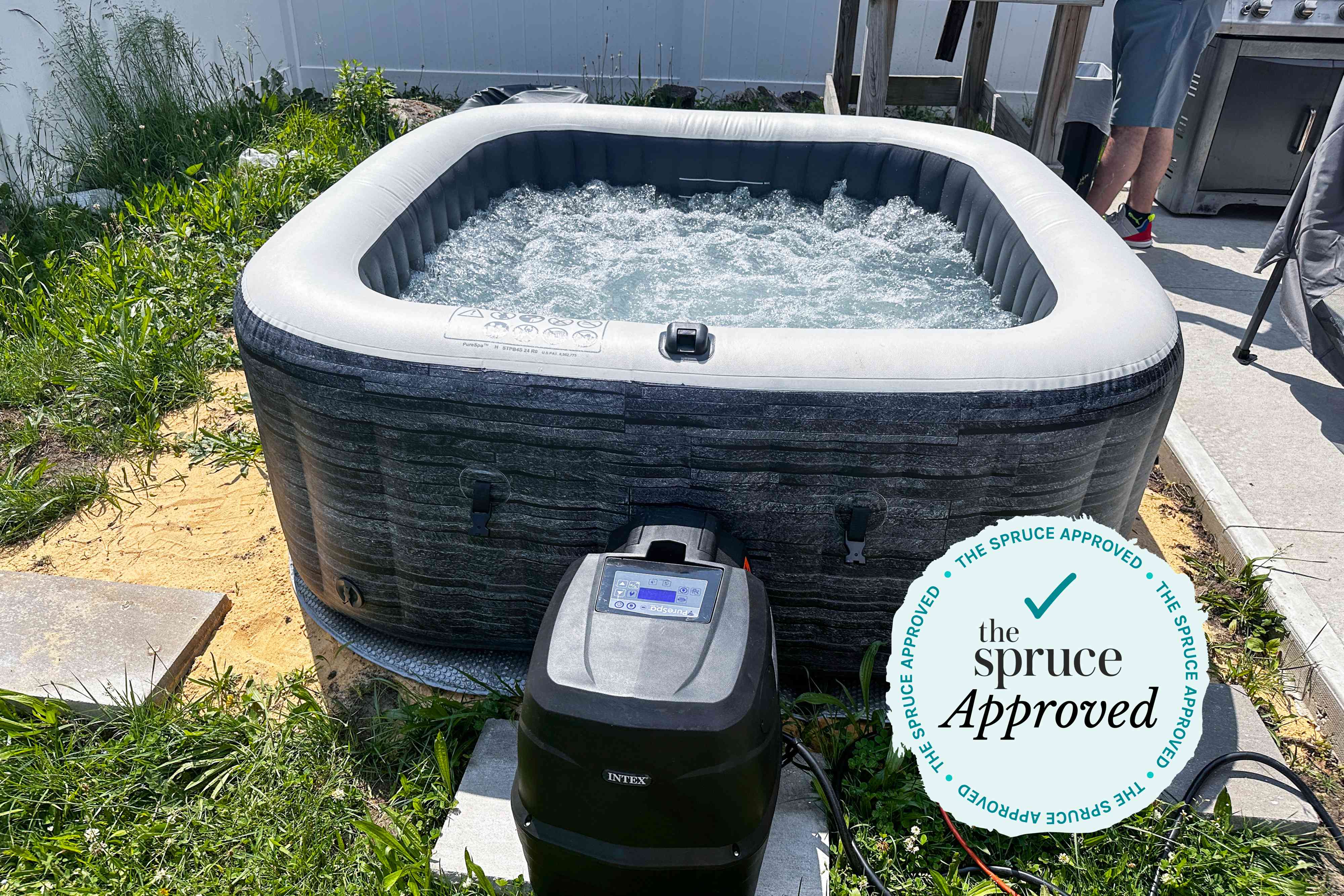
Intex, another well-established brand, also offers a range of smart hot tubs. The Intex PureSpa Jet and Bubble Massage series includes models with WiFi control. Specifically, the Intex PureSpa Greywood Deluxe model boasts app control for temperature, bubble jets, and filtration cycles. Both brands target a similar customer: someone who wants a spa experience without the high cost and commitment of a traditional hot tub installation. Prices for these WiFi-enabled models typically range from $400 to $800, depending on size and features.
Not every model from these brands has WiFi built-in. You have to check the box for the 'Smart' or 'App' branding specifically. Coleman usually sticks to simpler, four-person setups, while Intex has a broader range of sizes. Since they update these models annually, checking the current year's spec sheet is better than relying on old retail listings.
App Control: Beyond Basic Temperature
The companion apps for Coleman and Intex hot tubs go far beyond simply adjusting the temperature. With the Lay-Z-Spa app, you can create customized heating schedules, ensuring your hot tub is always ready when you want it. The Intex SpaConnect app offers similar scheduling capabilities, along with remote control of bubble jets and filtration systems. These apps aren’t just about convenience; they’re about optimizing the hot tub experience to your preferences.
You can often control the intensity of the jets, allowing you to tailor the massage to your liking. Lighting controls are also common, letting you set the mood with different colors and brightness levels. Many apps also include filtration scheduling, which is crucial for maintaining water quality. Some models even offer customizable presets, allowing you to save your favorite settings for quick access. Geofencing is a feature I’m seeing more often – the hot tub automatically begins heating when your phone gets within a certain radius of your home.
However, the user experience isn’t always perfect. Some users have reported occasional connectivity issues or glitches in the app. Reliability can vary depending on your WiFi signal strength and the stability of your home network. Common complaints include delayed responses from the app and difficulty connecting to the hot tub after power outages. It’s also worth noting that the apps are often quite basic in their design, lacking the polish of some other smart home apps.
- Temperature control
- Jet intensity adjustment
- Lighting customization
- Filtration scheduling
- Customizable presets
- Geofencing to start heating when you get close to home
Energy savings and scheduling
Smart technology can play a significant role in reducing hot tub energy consumption. Traditional hot tubs often maintain a constant temperature, even when not in use. Smart heating algorithms, however, learn your usage patterns and optimize the heating schedule accordingly. For example, if you typically use the hot tub in the evenings, the system will prioritize heating during those hours and reduce energy consumption during the day.
Smart heating can cut energy bills by about 20%. Instead of keeping the water at 104 degrees all day, the app lets you drop the temp while you're at work and trigger a heat-up an hour before you get home. Most apps now show a daily breakdown of how many kilowatts you're burning, which helps you decide if that extra degree of heat is worth the cost.
These features are particularly appealing given the increasing focus on energy efficiency and sustainability. By optimizing heating schedules and reducing standby power consumption, smart hot tubs can help homeowners minimize their environmental impact and save money on their electricity bills. It’s a win-win situation.
Smart home and voice control
The level of integration with other smart home ecosystems is still evolving, but there’s growing support for Alexa and Google Assistant. With the Lay-Z-Spa app, you can often use voice commands to adjust the temperature or turn on the jets. For instance, you might say, “Alexa, set the hot tub temperature to 102 degrees.” The Intex SpaConnect app offers similar functionality, though the range of supported voice commands is currently more limited.
IFTTT (If This Then That) integration is also becoming more common, allowing you to create custom routines that involve the hot tub. For example, you could create a routine that automatically turns on the hot tub lights when your smart doorbell detects motion. However, the integration isn’t always seamless, and some users have reported issues with reliability. There are limitations; you can’t, for example, use voice commands to control all aspects of the hot tub.
I think we’ll see greater integration in the coming years, as manufacturers recognize the value of connecting their products with other smart home devices. Imagine a scenario where your hot tub automatically prepares itself when your smart calendar indicates you have a free evening. That level of automation is within reach, but it requires further development and collaboration between different tech companies.
Security Considerations for WiFi Hot Tubs
Connecting a hot tub to the internet introduces potential security risks. Like any connected device, a WiFi-enabled hot tub could be vulnerable to hacking. It’s crucial to understand these risks and take steps to mitigate them. Manufacturers typically employ encryption and other security measures to protect against unauthorized access, but no system is foolproof.
The primary concern is that a hacker could gain control of the hot tub’s functions, potentially adjusting the temperature to dangerous levels or accessing personal information. Data collection is another concern. The apps collect data on your usage patterns, which could be used for marketing purposes or, in a worst-case scenario, shared with third parties. It's important to read the privacy policies carefully.
To protect your hot tub, use a strong, unique password for your WiFi network and the hot tub app. Keep the app and the hot tub’s firmware up to date, as these updates often include security patches. Consider enabling two-factor authentication if it’s available. Be cautious about clicking on suspicious links or downloading files from unknown sources.
Troubleshooting Common Connectivity Issues
WiFi connectivity problems are a common source of frustration for hot tub owners. If the app can’t connect to the hot tub, the first step is to check your WiFi signal strength. Ensure the hot tub is within range of your router and that there are no obstructions blocking the signal. Restarting your router and the hot tub can often resolve temporary glitches.
Common causes of interference include other wireless devices, thick walls, and metal objects. Try moving the router closer to the hot tub or changing the WiFi channel. If you’ve recently changed your WiFi password, you’ll need to update the settings in the hot tub app. To reset the WiFi connection, consult the hot tub’s manual for specific instructions – it usually involves pressing a combination of buttons on the control panel.
Here’s a step-by-step guide for setting up the hot tub with a new WiFi network: 1) Open the hot tub app. 2) Navigate to the settings menu. 3) Select 'WiFi Setup'. 4) Choose your WiFi network from the list. 5) Enter your WiFi password. 6) Wait for the app to confirm the connection. If you continue to experience problems, contact the manufacturer’s customer support for assistance.



No comments yet. Be the first to share your thoughts!